SaintSal™, right on your desktop.
Chat, voice and agents that work alongside you, on your desktop and on the go.
Everywhere you work
One Sal. Every screen.
SaintSal for Desktop
Mac & Windows
- Full chat, voice & agent
- Voice conversations with a live avatar
- Automatic updates
Notarized by Apple · Windows: choose More info, then Run anyway
SaintSal for Mobile
iPhone & iPad
- SaintSal in your pocket
- Talk to Sal wherever you are
- Syncs across your devices
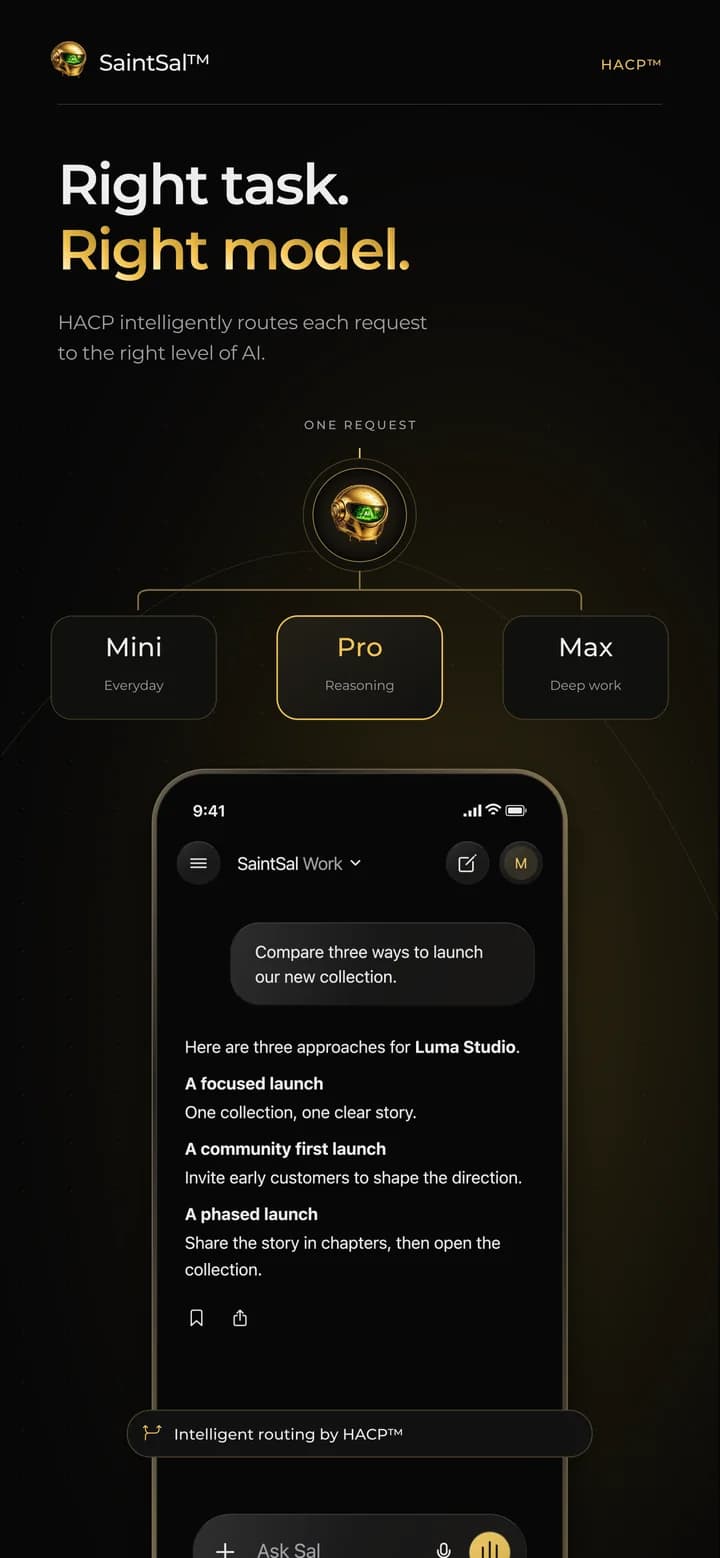
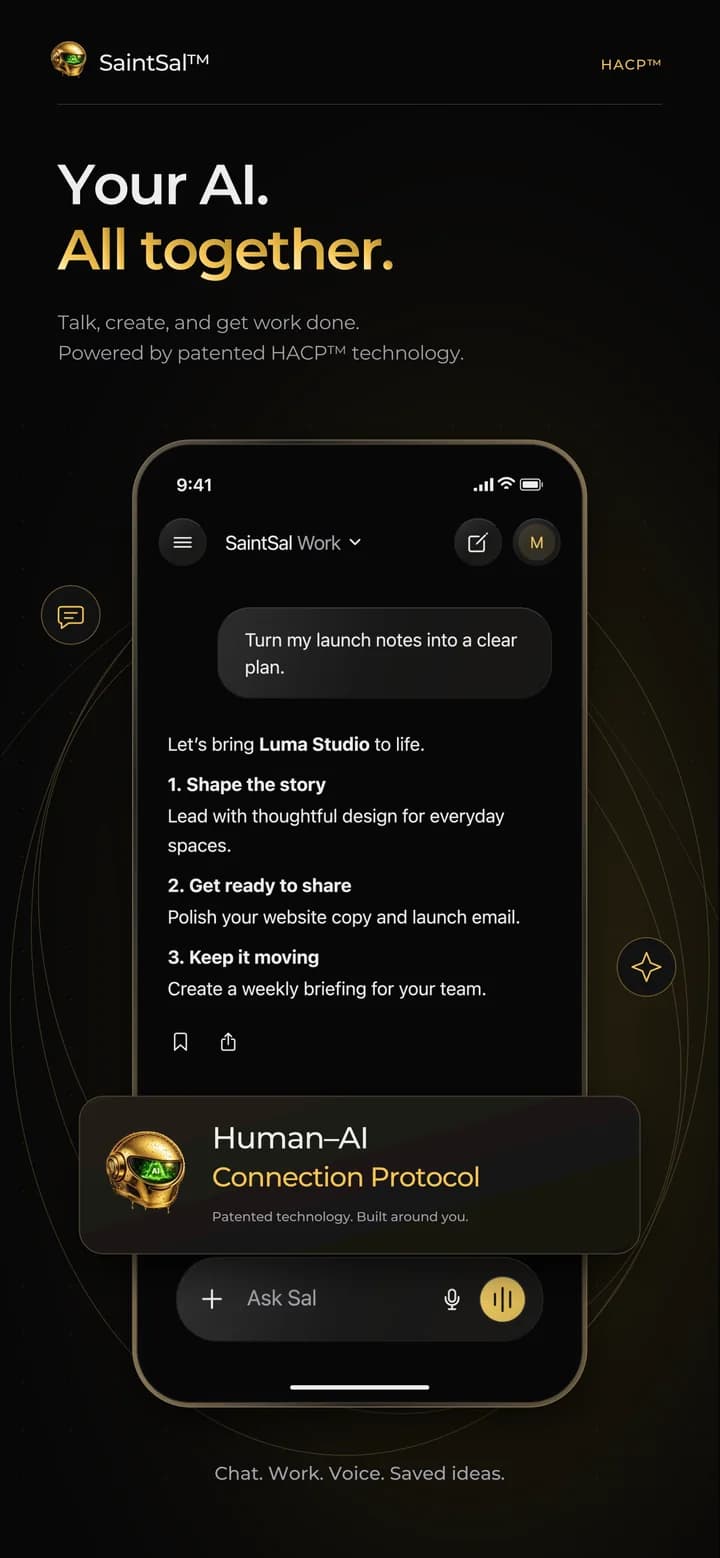
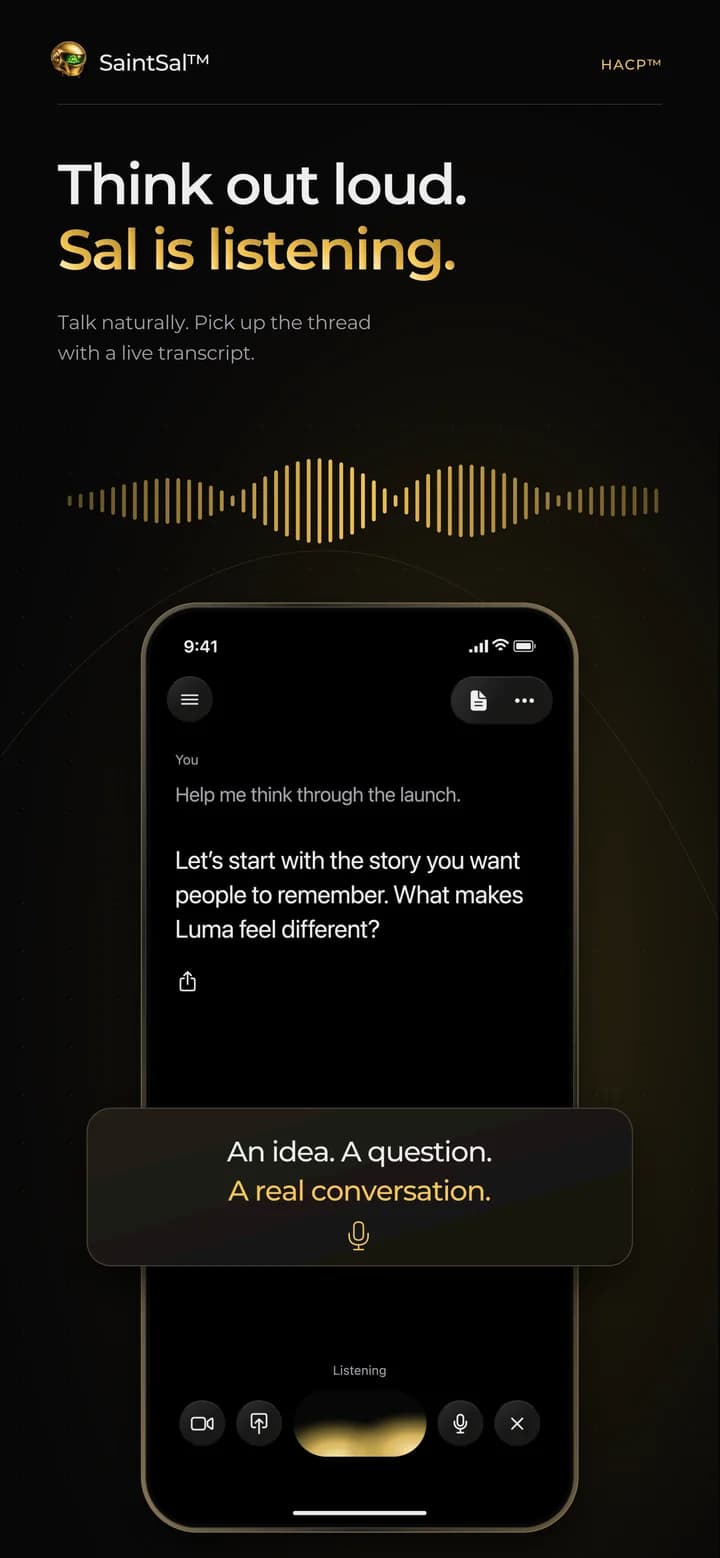
iOS & iPadOS 15.1 or later
Browser Extension
Chrome, Edge & Brave
- AI on any page: summarize, rewrite, chat
- One click from your toolbar
- Uses your SaintSal account
Installs in under a minute
Now on the App Store
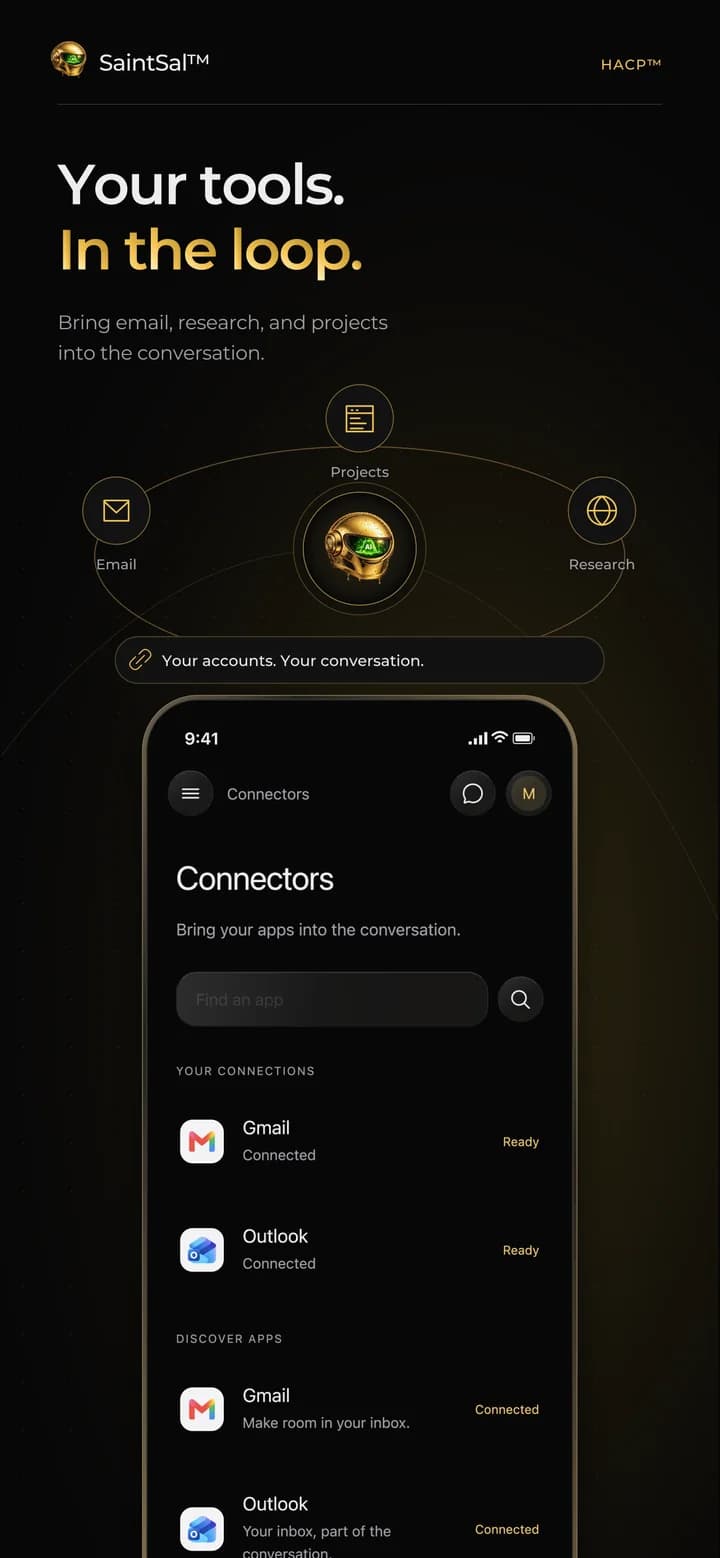
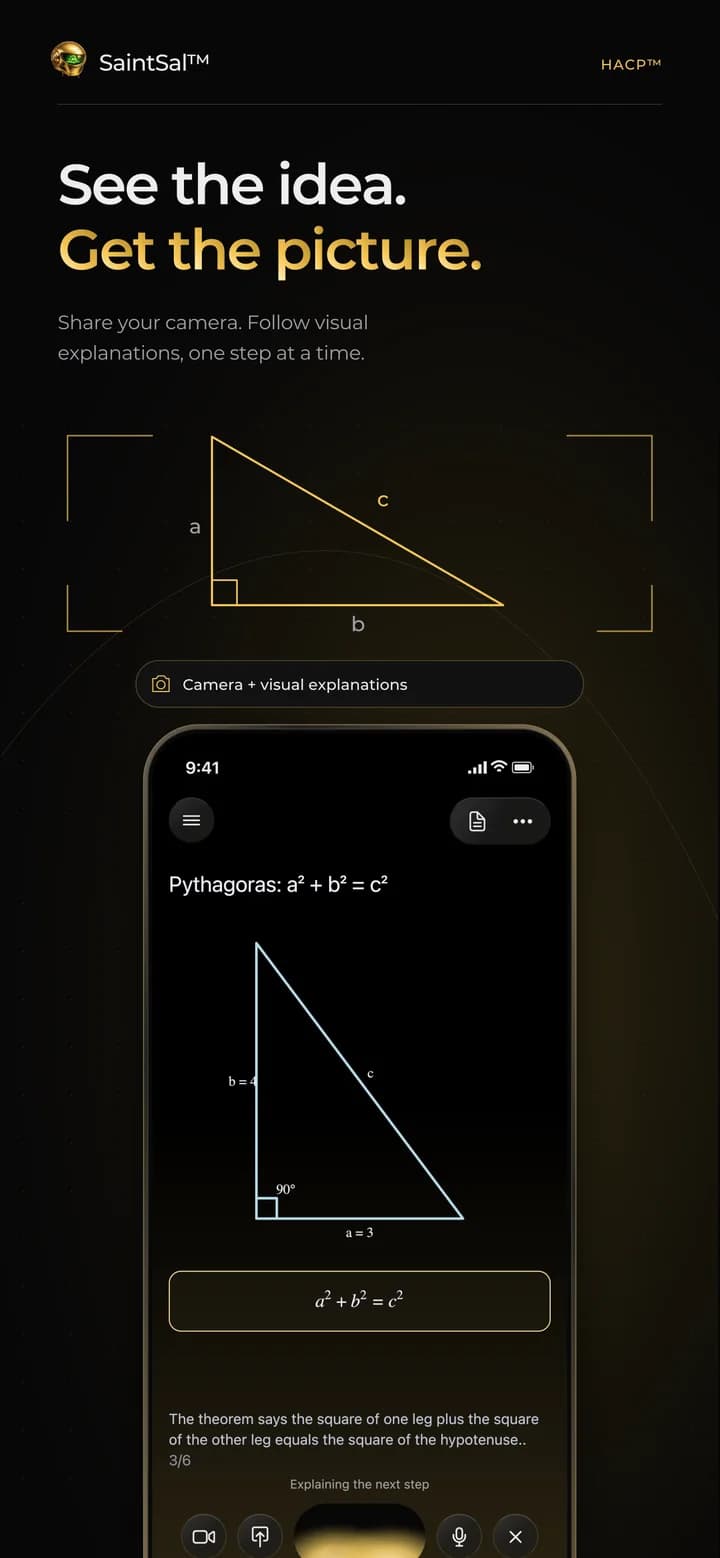
Sal, in your pocket.
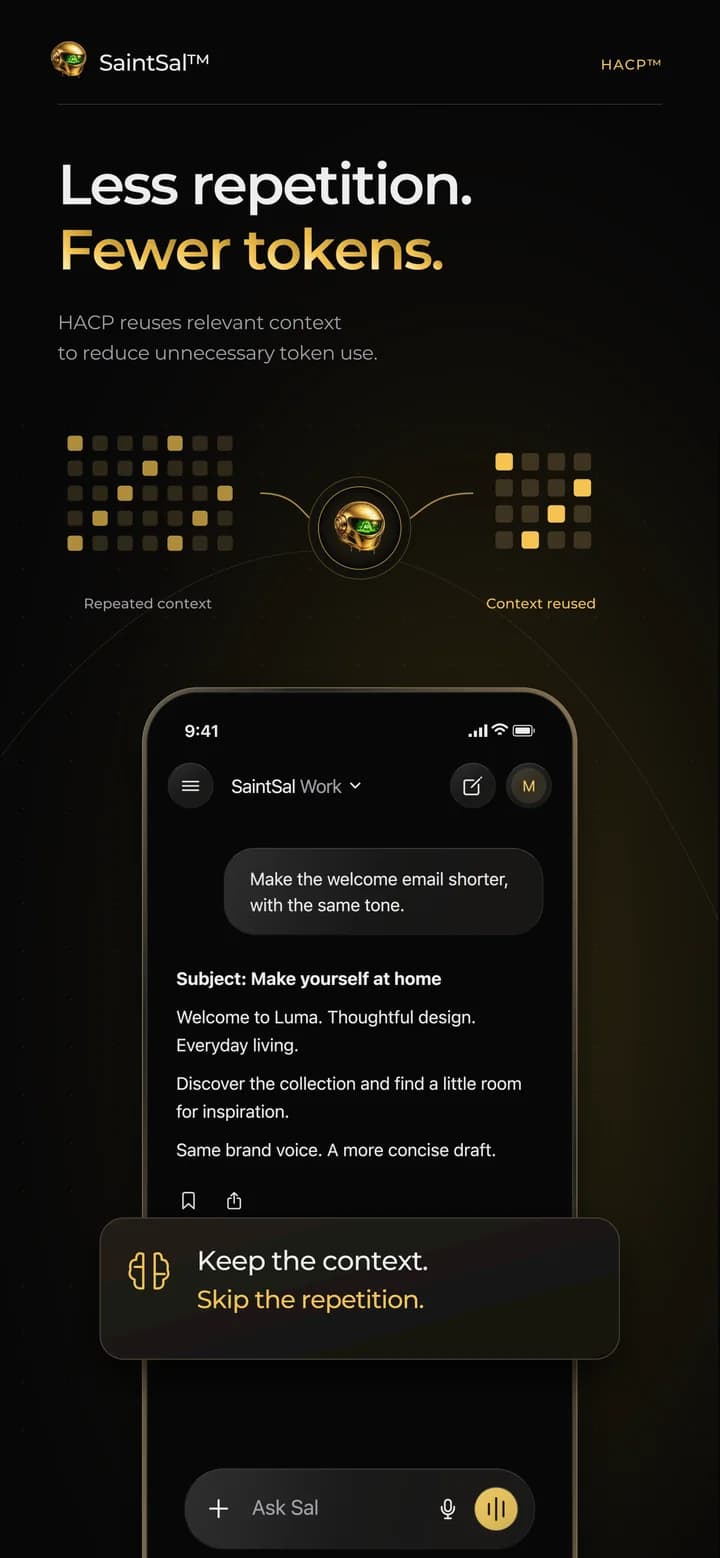
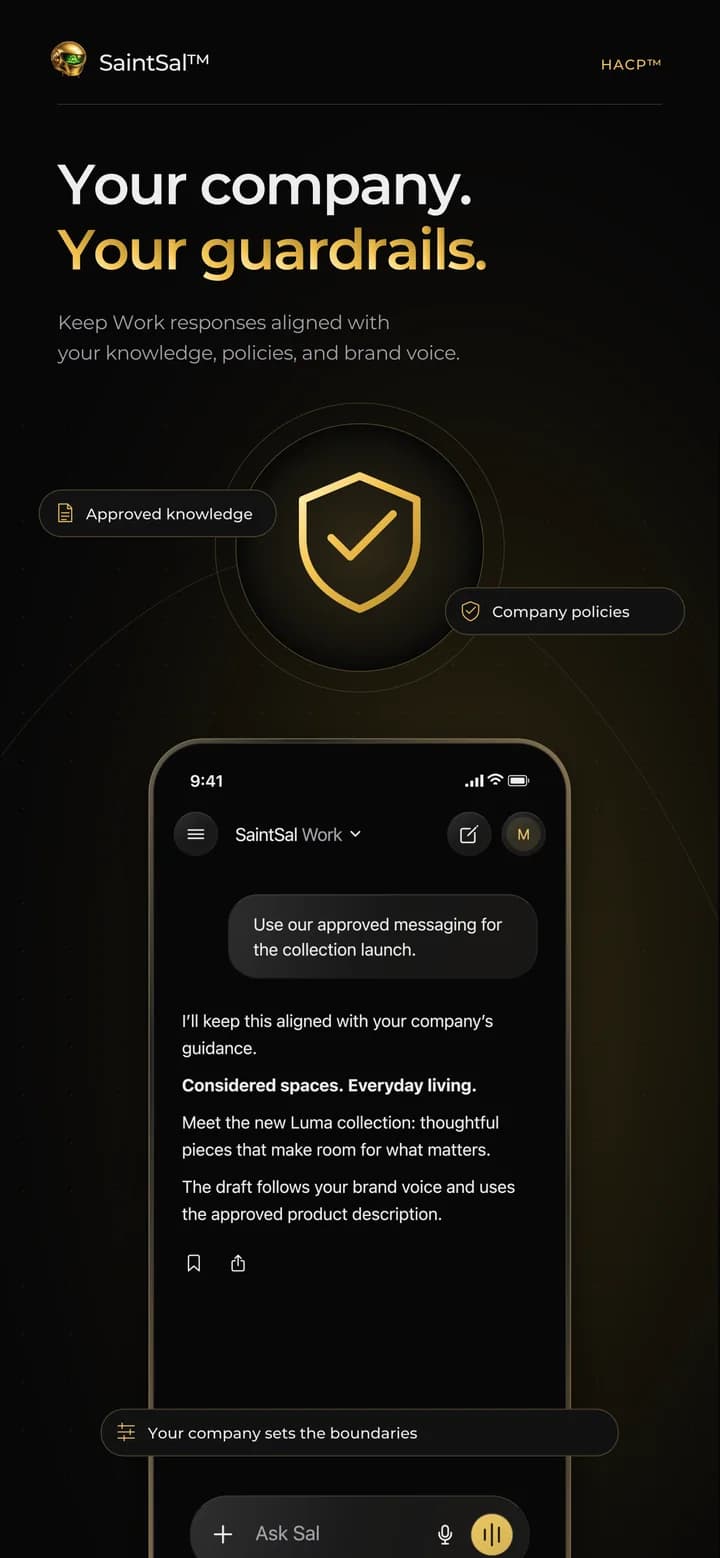
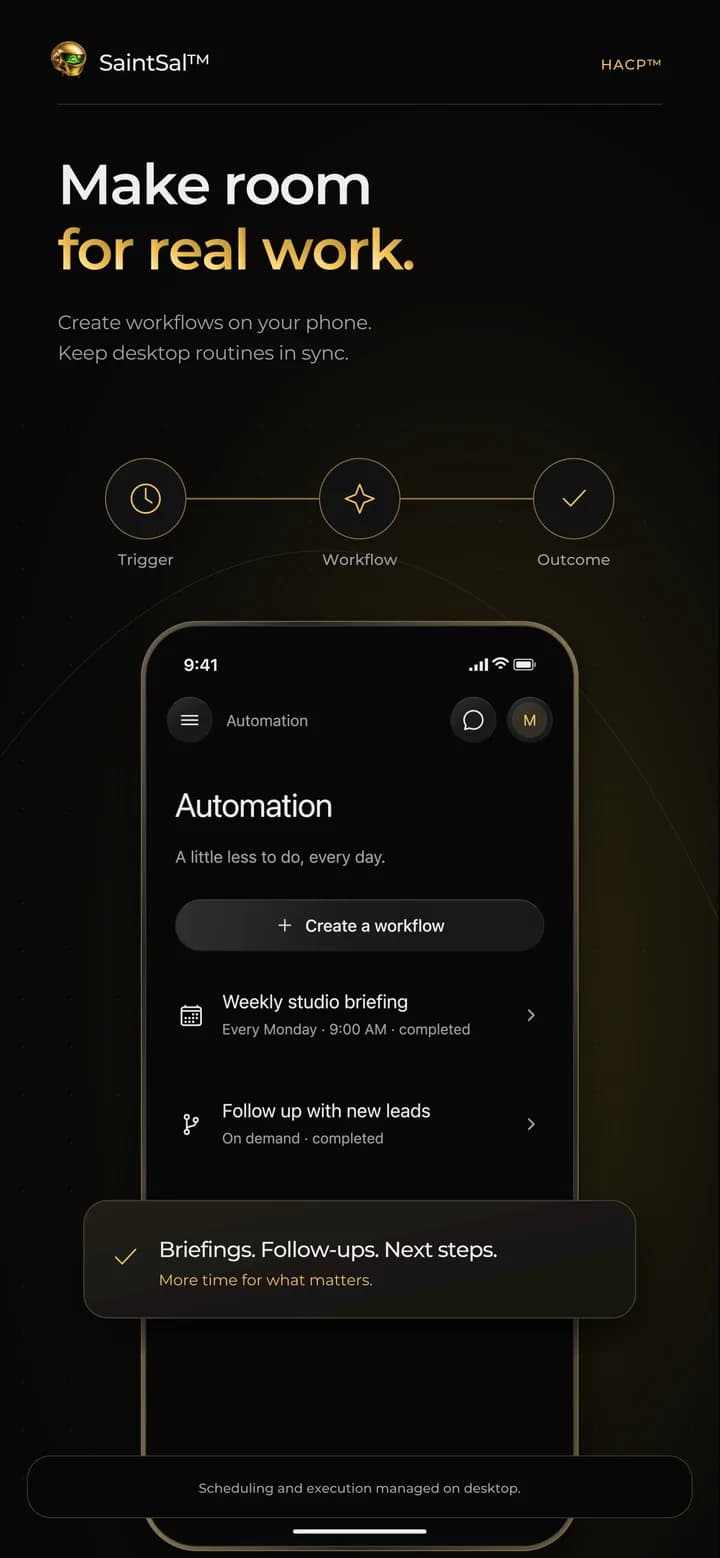
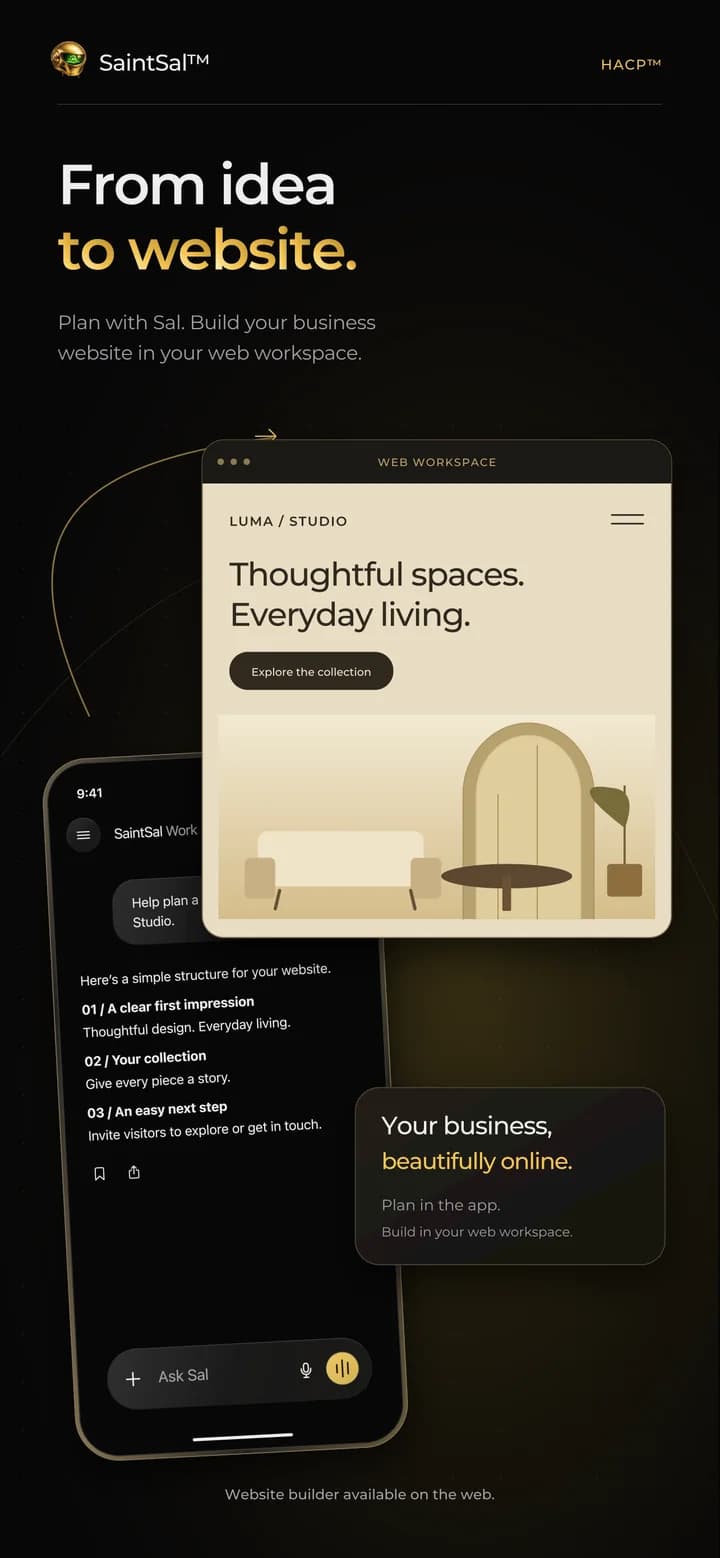
Chat, voice, agents and your company knowledge on iPhone and iPad, synced with your desktop.
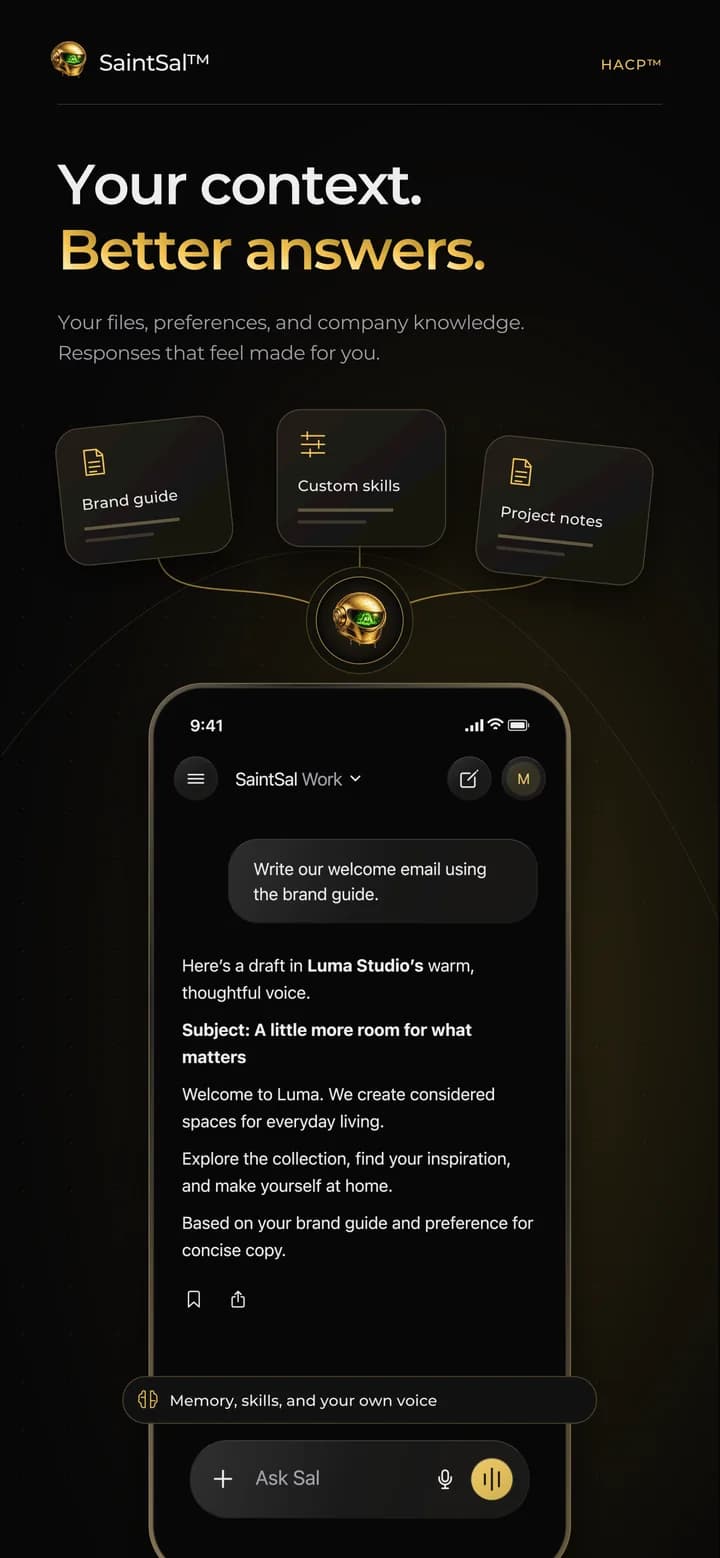
Browser extension
Set up in under a minute
- 01
Open the Chrome Web Store
Open the SaintSal listing. It works in Chrome, Edge, Brave and Arc.
- 02
Add to your browser
Click “Add to Chrome”, then confirm with “Add extension”. It installs in seconds.
- 03
Pin it to your toolbar
Open the extensions menu and pin SaintSal so it is one click away on every page.
- 04
Click it & sign in
Open SaintSal on any webpage and sign in. It syncs with your web and desktop account.
Notarized by Apple
The Mac app is signed and notarized by Apple.
Updates itself
New versions install automatically.
One account everywhere
Desktop, mobile, web and extension share one SaintSal account.
Your data, your rules
Permissions and privacy explained on our Trust page.
Good to know
Open the Apple menu → About This Mac. If the Chip line says “Apple M…”, choose Apple Silicon. If it says “Intel”, choose Intel Mac.
Yes. The Windows build is currently unsigned, so SmartScreen asks first. Click “More info”, then “Run anyway”.
Yes. SaintSal is free on the App Store for iPhone and iPad (iOS and iPadOS 15.1 or later). Sign in with the same account you use on desktop and the web.
Prefer the browser? Use SaintSal on the web.